Interactive Day Planner

Your whole day, out of your head and into a plan.

An interactive day planner that lives on your phone and your laptop. Dump everything in, pick your top 3, start the timer and watch the confetti fall when you finish. One payment. Yours to keep.

I need this! Only $21, only once (no recurring fees!) 5-day money-back guarantee.
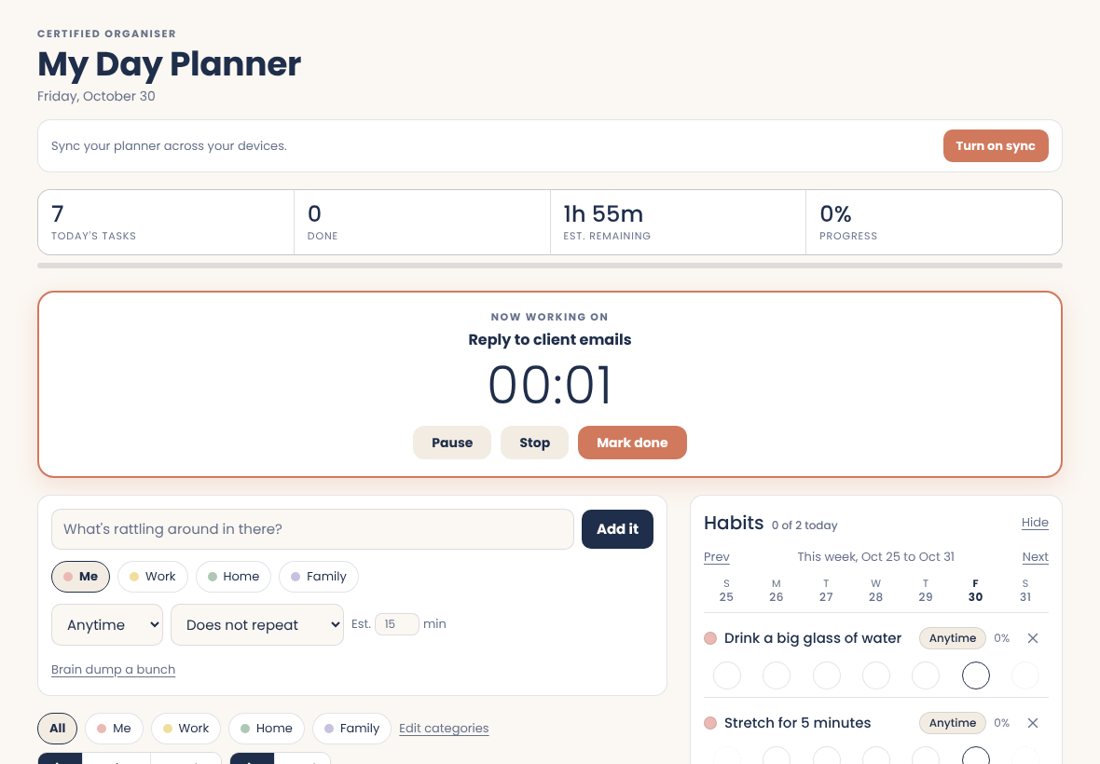
The planner on a laptop with a task timer running The planner on a phone
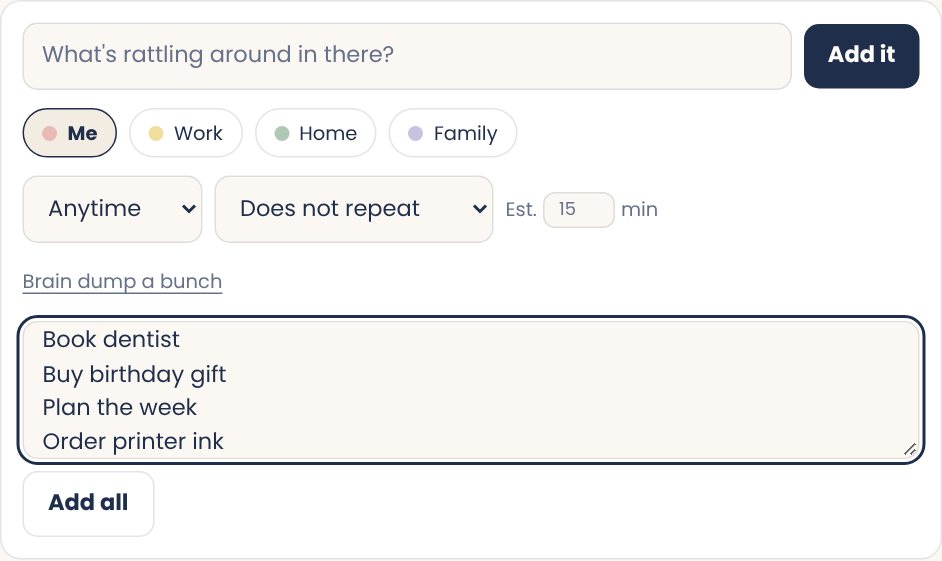
Screenshot of the brain dump box with a list of tasks
Brain dump

Get it all out of your head

Type one thing or paste your whole messy list. Every line becomes a task. Takes about ten seconds and you can sort it out later.

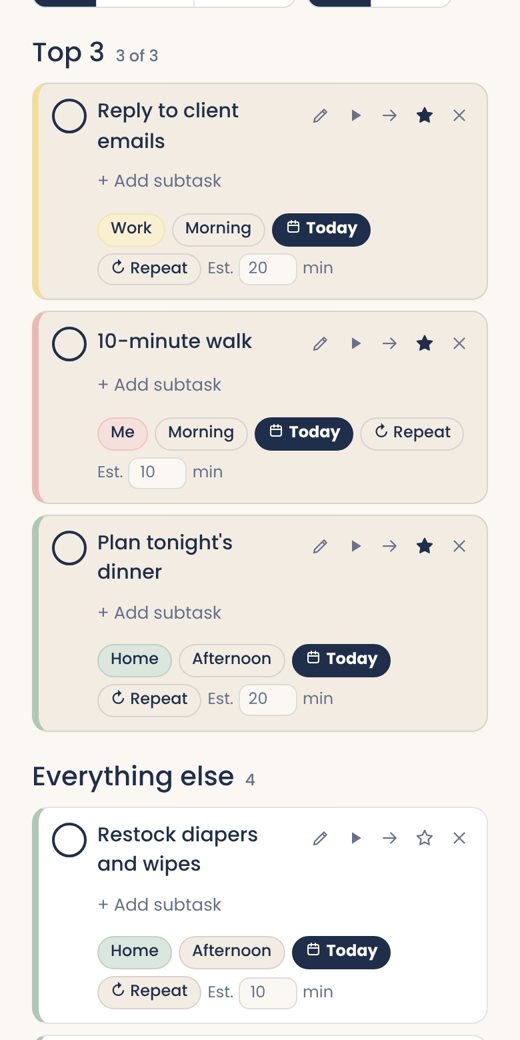
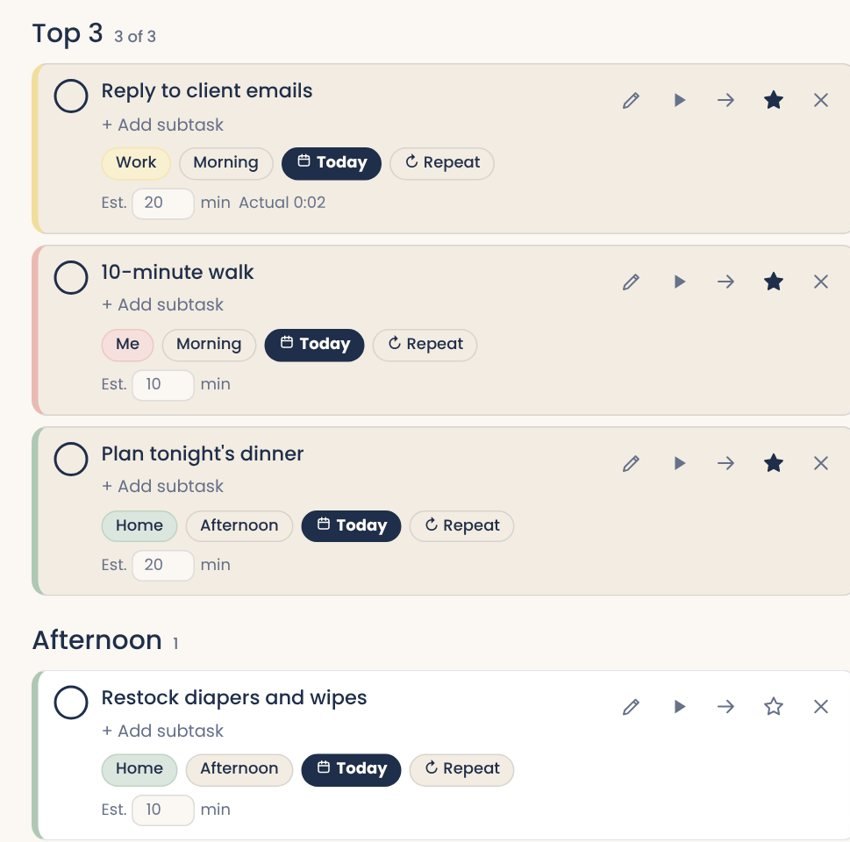
Screenshot of the top 3 and the day split into times of day
Top 3

Know what matters today

Star your top 3 and they stay at the top. Everything else can wait its turn.

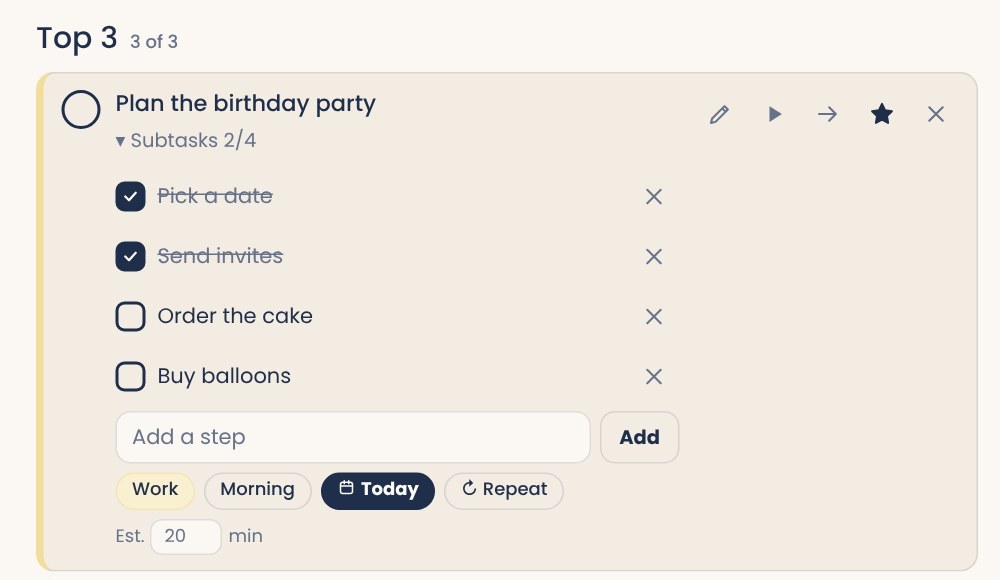
Screenshot of a task with subtasks being ticked off
Tasks + subtasks

Big task? Break it down

Add subtasks to anything that feels too big, then tick them off one by one. Way less scary.

Screenshot of the Now working on timer panel
Focus timer

A timer you can't ignore

Hit play and a big "Now working on" panel shows up. Pause it, stop it or mark it done right there.

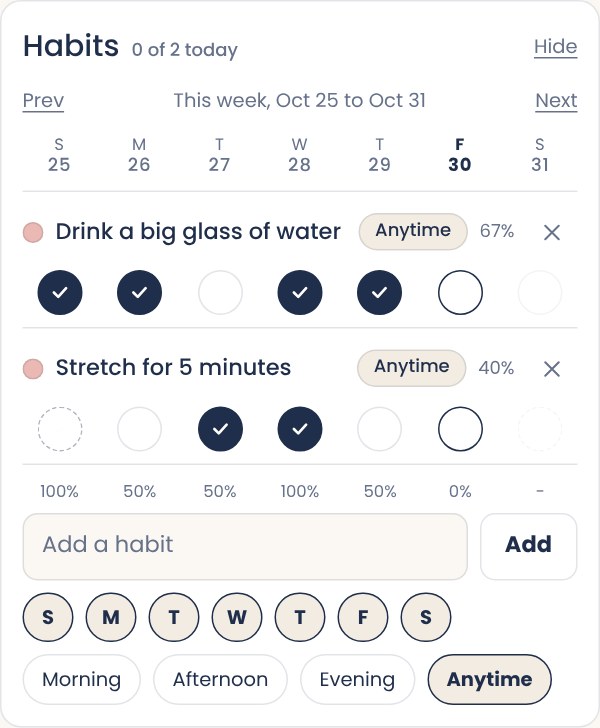
Screenshot of the habit tracker with two habits and a week of ticks
Habit tracker

Set and track your habits

Pick your days and tick them off. Watch your week fill up and see your percentage for each habit.

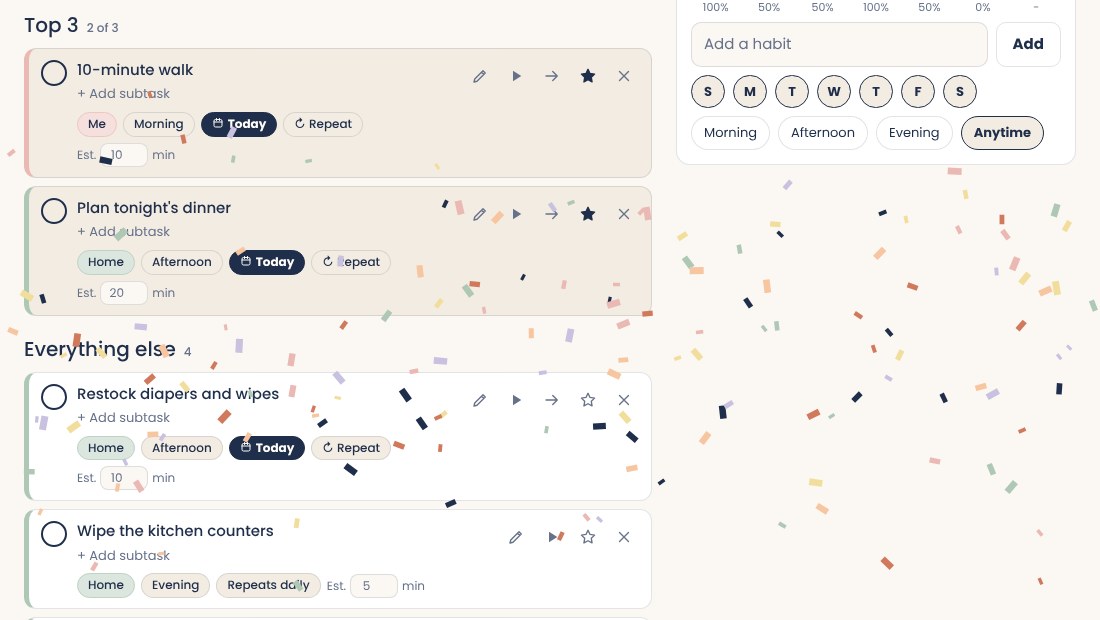
Screenshot of confetti falling over the task list
Confetti

Finish a task, get confetti

Tick something off and confetti rains from the top of your screen with a little ding. Silly? Yes. Motivating? Also yes.

Sound familiar?

You have 47 tabs open and 47 things in your head.
You wrote a to-do list on paper and left it at home.
You sit down to work and forget what you sat down for.
Every planner you buy looks cute for a week.

This one is built to be used every day. It's quick to open, quick to fill and it actually feels good to tick things off.

Why you'll LOVE it:

How it works

Ready in about two minutes.

1

Buy it

Pay once and tell us which Google account you want to use. That's the email you'll sign in with.

2

Sign in

Open your planner link and tap Continue with Google. That's your key.

3

Start planning

Add your first task. Add it to your home screen so it opens like an app.

One price

Only $21, only once (no recurring fees!)

Interactive Day Planner

$21 USD, only once
  • Works on phone, tablet and laptop
  • Syncs across your devices
  • No recurring fees and no ads
  • Free updates as I improve it
  • 5-day money-back guarantee
Buy it now!

5-day money-back guarantee

Try it for real. If it isn't for you, message me within 5 days of your purchase and I'll refund you through PayPal. After 5 days, all sales are final.

Questions

Do I need to download or install anything?

Nope. It opens in your browser. On your phone you can add it to your home screen so it feels like an app.

Is this a subscription?

No. You pay $21 once and it's yours.

Where is my data stored?

On your device, and if you turn on sync, in a hidden folder in your own Google Drive. I can't see your tasks.

Which Gmail should I use?

Any Google account you like. At checkout you'll tell us which one, and that's the email you'll use to sign in to your planner.

I used a different Gmail by mistake. Now what?

No stress. On the sign-in page there's a "Bought it with a different Gmail?" option. Send it and I'll connect the right one.

Does it work on my phone?

Yes. It's built phone-first and works just as well on a tablet or laptop.

How do refunds work?

Message me within 5 days of purchase and I'll refund you through PayPal. After 5 days there are no refunds.

Ready to clear your head?

Get it today and plan tomorrow in two minutes.

I want it. I'll get it now!